Uploading a vehicle photo
Vehicles on the dashboard look much nicer with a photo. GarageHQ stores one image per vehicle, accessible from the detail page.
1. Open the vehicle's detail page
Click the vehicle card from the dashboard. If no photo's been uploaded yet, you'll see a placeholder with an Upload photo button.
2. Click Upload photo
A file picker opens. Pick any JPG or PNG, GarageHQ resizes it down on the server so you don't have to worry about source file size.
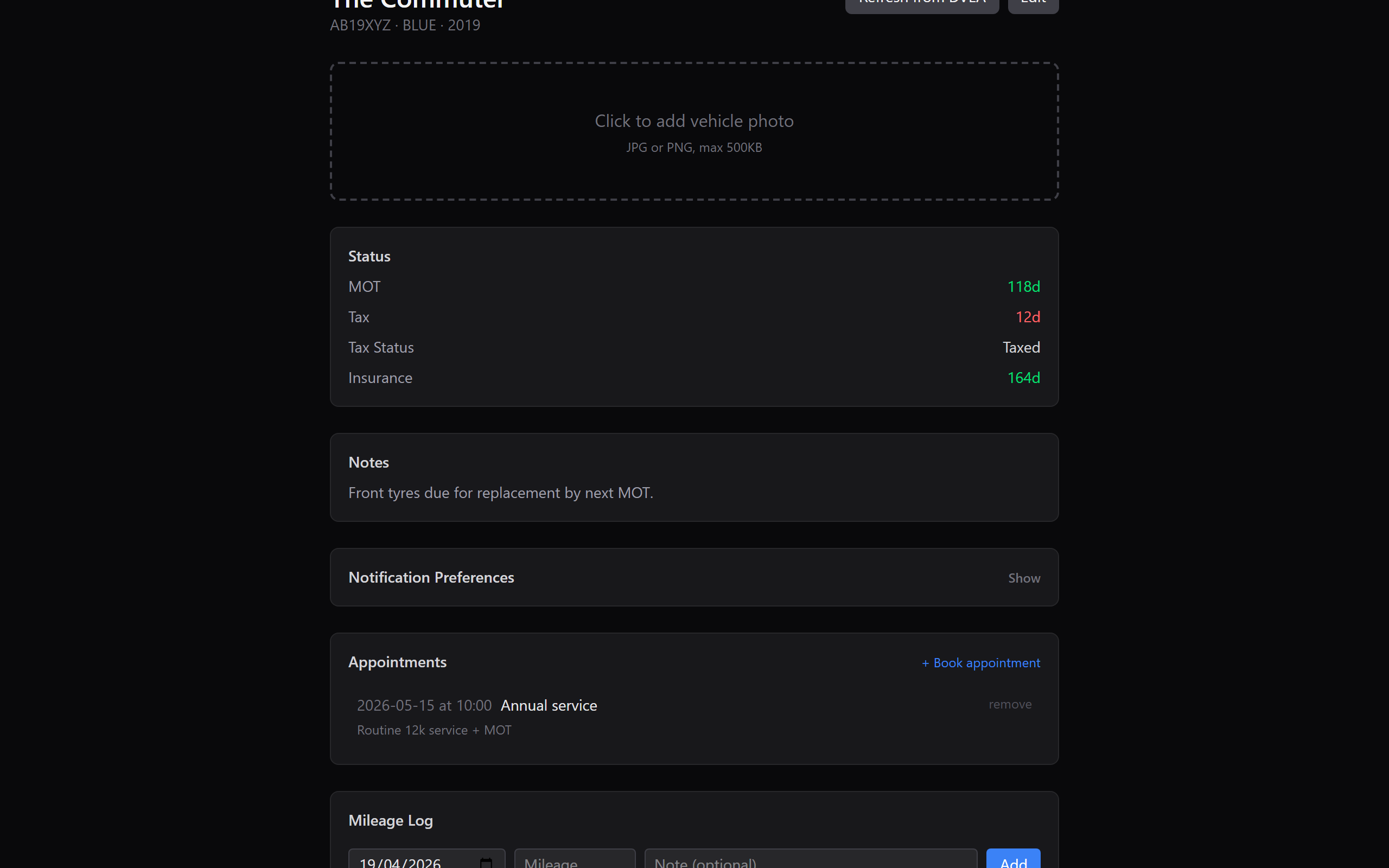
3. Photo appears immediately
After upload, the placeholder is replaced with the photo. It also shows as the card background on the dashboard, making it much easier to scan through vehicles at a glance.
File format and size
- Formats: JPG, PNG
- Size limit: 10 MB (well over what modern phones produce)
- Resolution: any; the server stores a single optimised version sized for dashboard + detail views.
What next?
- Editing vehicle details, everything else about the vehicle.
- Logging service history, keep a maintenance diary.