Setting up your organisation
GarageHQ organises every vehicle, reminder, and team member inside an organisation (call it a workspace if you prefer). Right after your first sign-in, we ask you to create one. It takes about ten seconds.
1. Land on the onboarding page
Straight after your first successful sign-in (email, Google, or Microsoft), GarageHQ sends you to /onboarding. You'll see a single-question form.
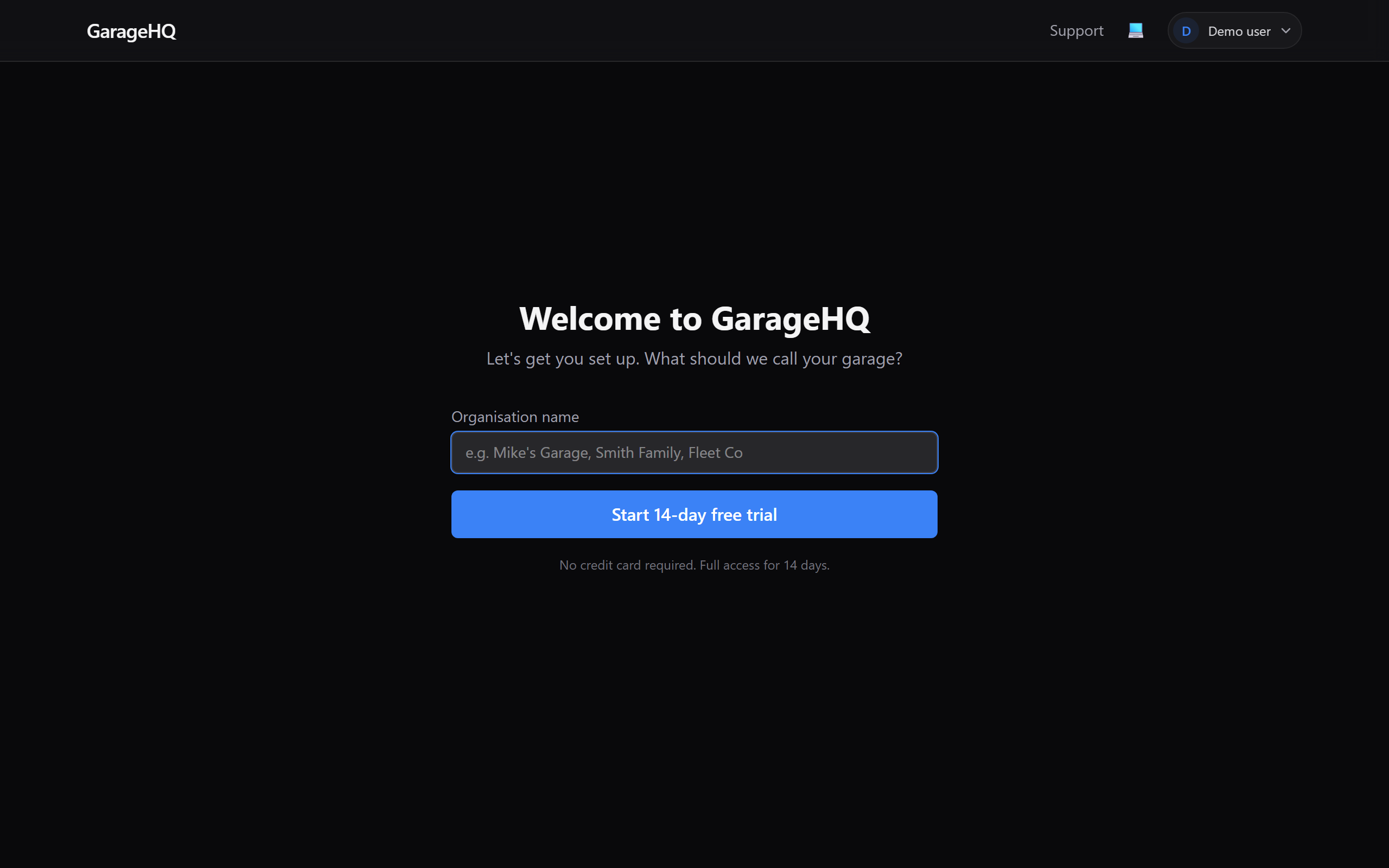
2. Pick a name
Call the organisation whatever feels natural:
- Solo vehicle owner, your own name, or something playful (
Mike's Garage,The Smith Fleet). - Workshop / garage, your business name (
City MOT Centre,Northside Motors). - Family sharing vehicles, the family surname works well (
Johnsons,Browns).
You can change the name later from Settings → Team → Organisation details, so don't agonise over it.
3. Click "Start 14-day free trial"
Clicking the button does three things in one go:
- Creates the organisation with a unique slug generated from the name.
- Adds you as owner, the top-level role that can invite team members, upgrade plans, and everything else.
- Starts a 14-day free trial on every feature, MOT/tax reminders, service history, parts finder, appointments. No credit card needed.
You land straight on an empty dashboard, ready to add your first vehicle.
What next?
- Adding your first vehicle, the first thing to do on your shiny new dashboard.
- Adding an insurer and Adding a garage, contacts you'll link to every vehicle.
- Inviting team members (coming soon), bring in colleagues, drivers, or family.