Inviting team members
GarageHQ organisations are multi-user from day one. Owners and admins can invite anyone by email, once they accept, they see all the vehicles, garages, and insurers in your org.
1. Open Settings → Team
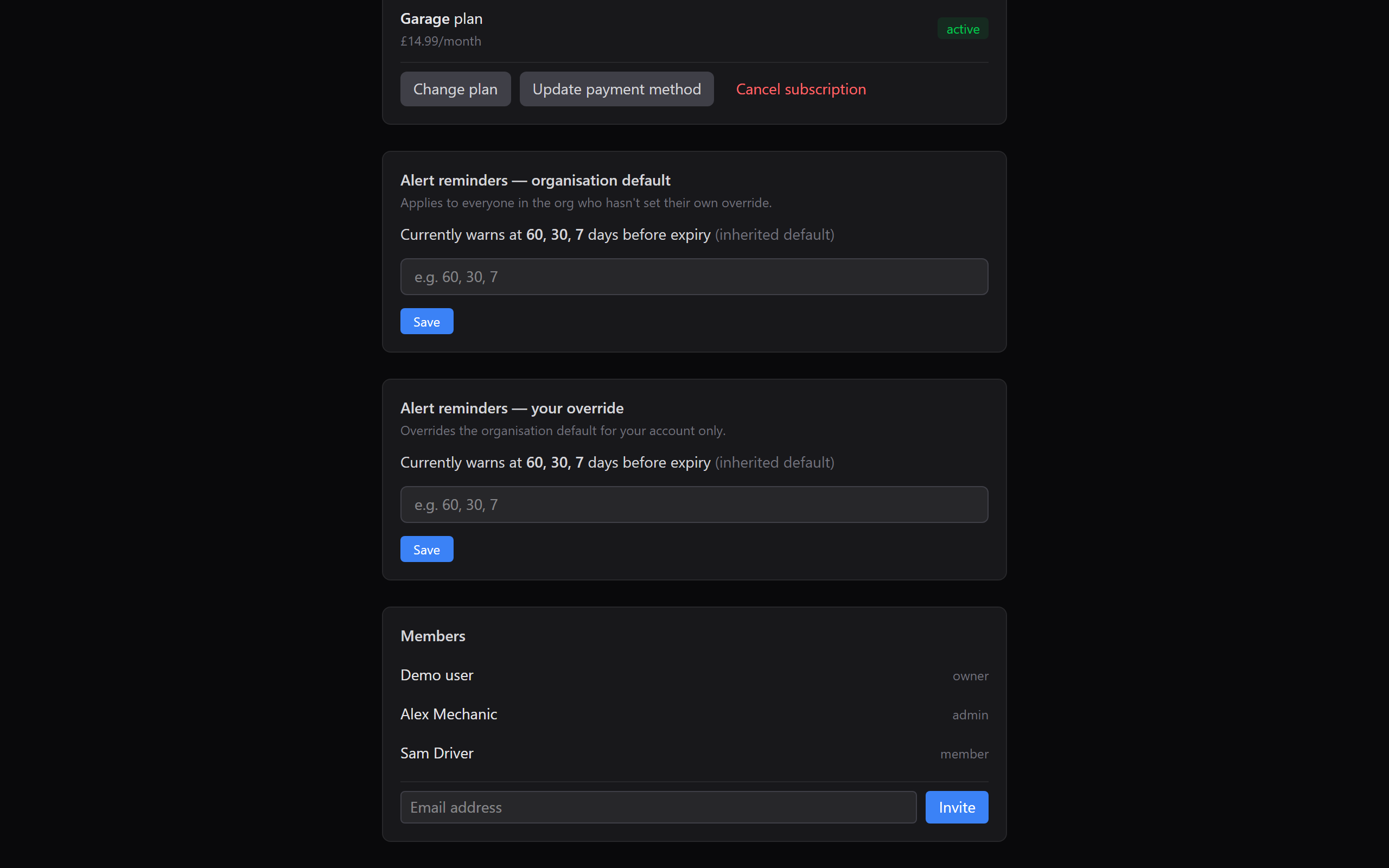
From the top nav click Settings, then open Team (only visible to owners and admins). You'll see:
- A list of current members with their role (owner, admin, or member)
- An invite form at the bottom
2. Enter their email and click Invite
Type the email address and click Invite. GarageHQ:
- Creates a pending member row in your org, tied to that email.
- Mails them a one-time sign-in link, when they click it, they land on GarageHQ already signed in and attached to your org.
- Adds them to the members list with role =
memberby default.
If they already have a GarageHQ account (under the same email), the invite link just adds them to your org alongside any workspace they already have. They can switch between orgs from the user menu.
3. Change their role (optional)
Click a member's row to open a role picker. Options:
- Member (default), sees their own vehicles; can add new ones up to the plan limit.
- Admin, sees every vehicle in the org; can invite more members; can edit the organisation name and alert-windows defaults.
- Owner, everything Admin can do, plus manage subscription and billing, and transfer ownership. Usually there's one owner per org.
Removing a member
Click a member → Remove. They stop seeing your org's data immediately. Any vehicles that were owned by them get reassigned to the remaining org admins (nothing's lost). Their personal GarageHQ account (if they had one) is unaffected.
Plan limits
Each plan has a cap on members:
- Personal, 1 (just you)
- Garage, 5
- Garage+, 15
- Enterprise, unlimited
If you hit the limit, the invite button is disabled with a tooltip explaining why. Upgrade from Settings → Billing.
What next?
- Managing subscription, upgrade to a plan with more seats.
- Setting notification reminders, set an org default that every invited member inherits.