Logging service history and mileage
The two logs near the bottom of every vehicle's detail page turn GarageHQ into a maintenance diary, upload receipts, track mileage over time, and feed the reminder engine that tells you when the next service is due.
The mileage log
Switch to the History tab on the vehicle detail page. Mileage, service history, and MOT history all live here together.
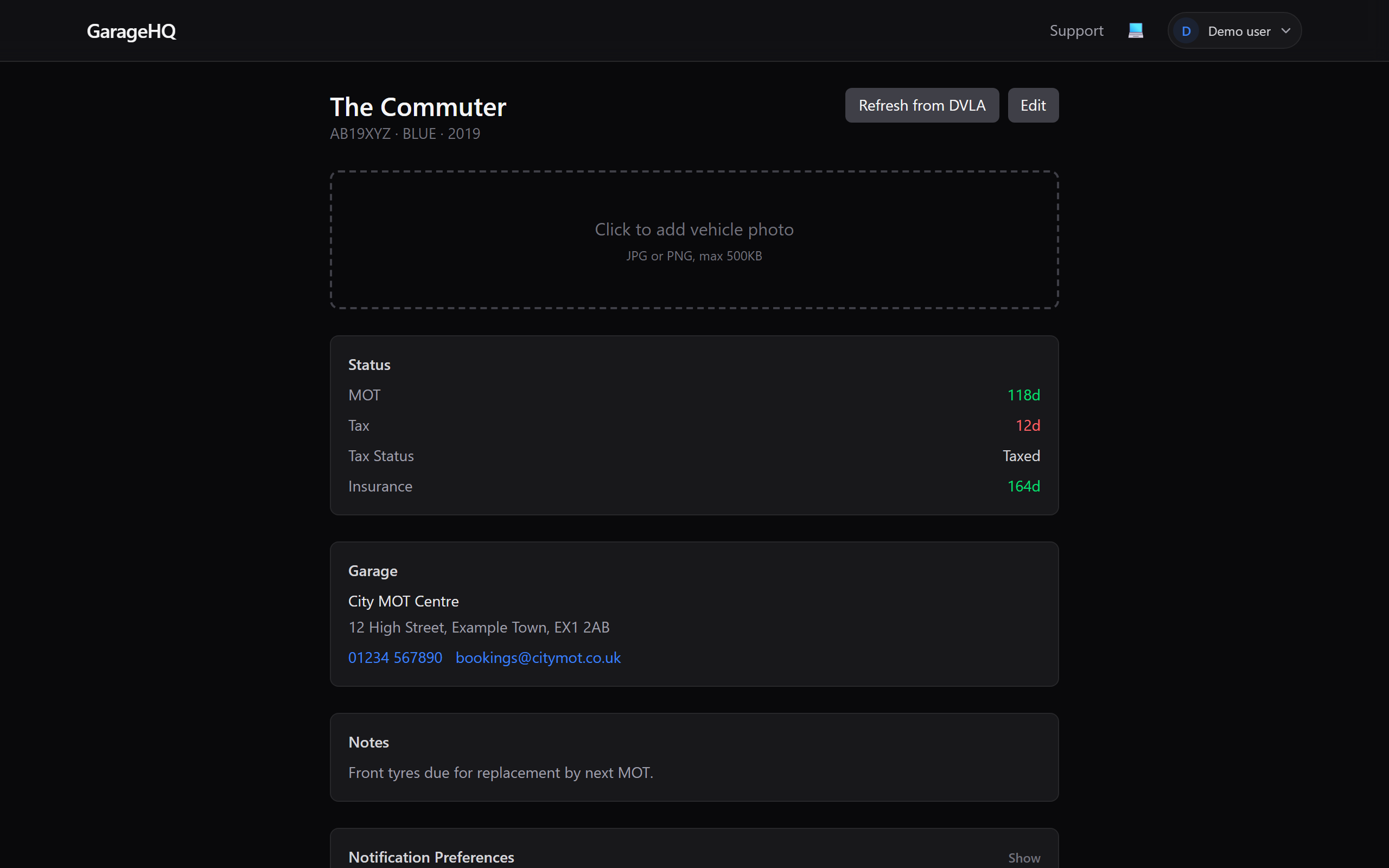
Type the current odometer reading and click Log. GarageHQ stamps it with today's date and adds it to the chart. Log as often as you like (monthly is typical); the more data you give it, the better the service-due predictions get.
The service history log
Below the mileage log is Service History, every time the vehicle goes in for work, log it here.
Each entry captures:
- Date of the service
- Mileage at the time
- Cost (optional but helpful for budgeting)
- Garage, picks from your saved garages, or leave blank
- Notes, what was done, parts replaced, anything the mechanic mentioned
- Attachments, upload the invoice or receipt as a PDF/image
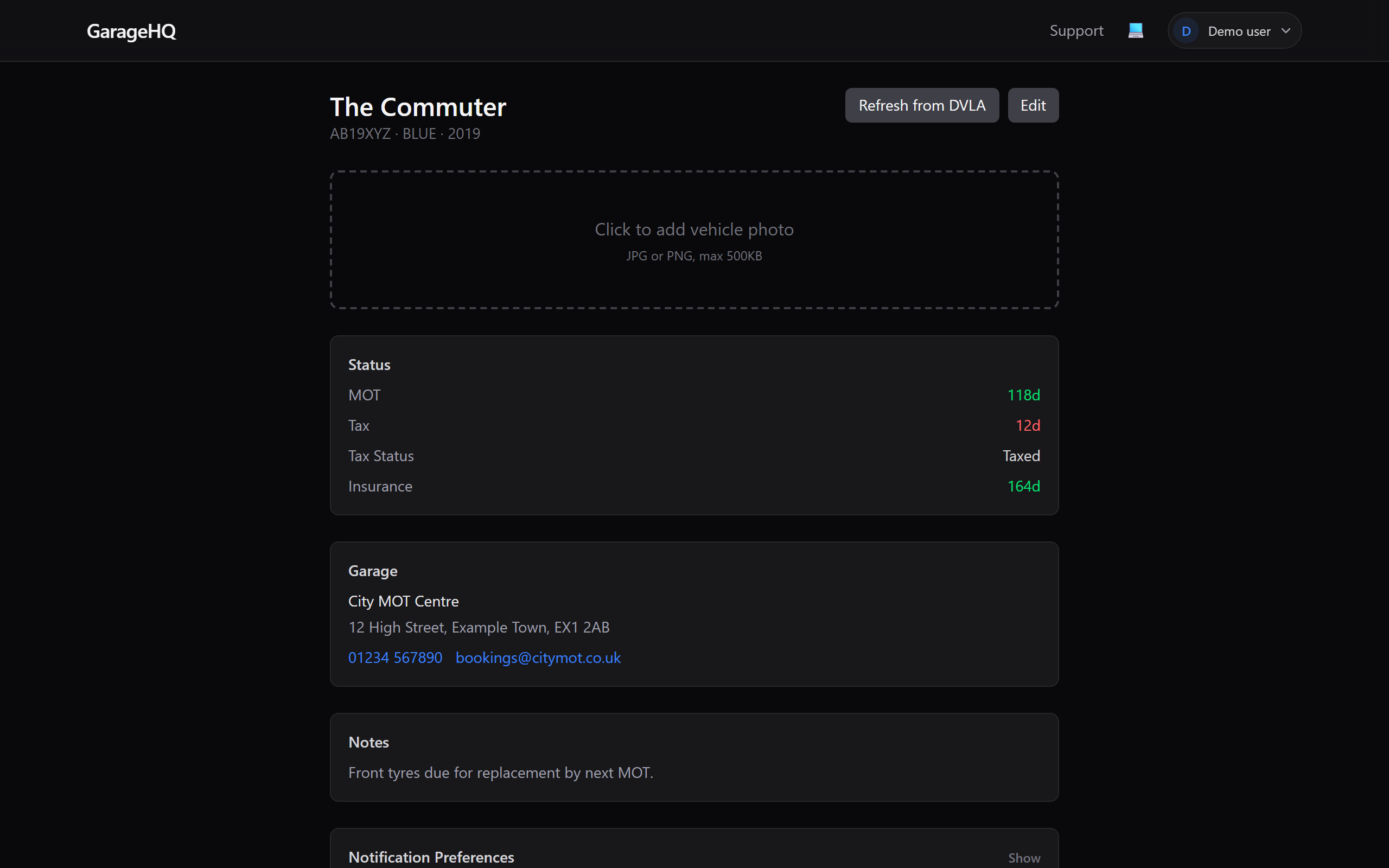
Service history feeds the reminder engine. When the next interval (miles OR months, whichever hits first) comes into the reminder window, you get an email nudging you to book.
What next?
- Booking appointments, turn a "service due" reminder into a booking with one click.
- Notification reminders, tweak when service reminders fire.